
If you've been building AI agents with Spring AI, you've probably run into a wall at some point. Your agent needs to go get something from the web. Not a search result, not a cached snippet, but the actual live page. Maybe it needs to log in somewhere. Maybe the content is rendered by JavaScript. Maybe you need it to click a button and wait for the response.
A search API can't do any of that. You need a browser.
That's why I built the Browserbase Spring Boot Starter. It wires up Browserbase (headless browser infrastructure built for AI agents) as a first-class Spring citizen. One dependency, one property, and you can inject a fully configured Browserbase client anywhere in your application.
To show what's actually possible with it, I also built deepresearch: a Spring AI-powered research agent that takes a topic, searches the web, fetches pages in parallel, and synthesizes everything into a structured report, all in a single API call.
What is Browserbase?
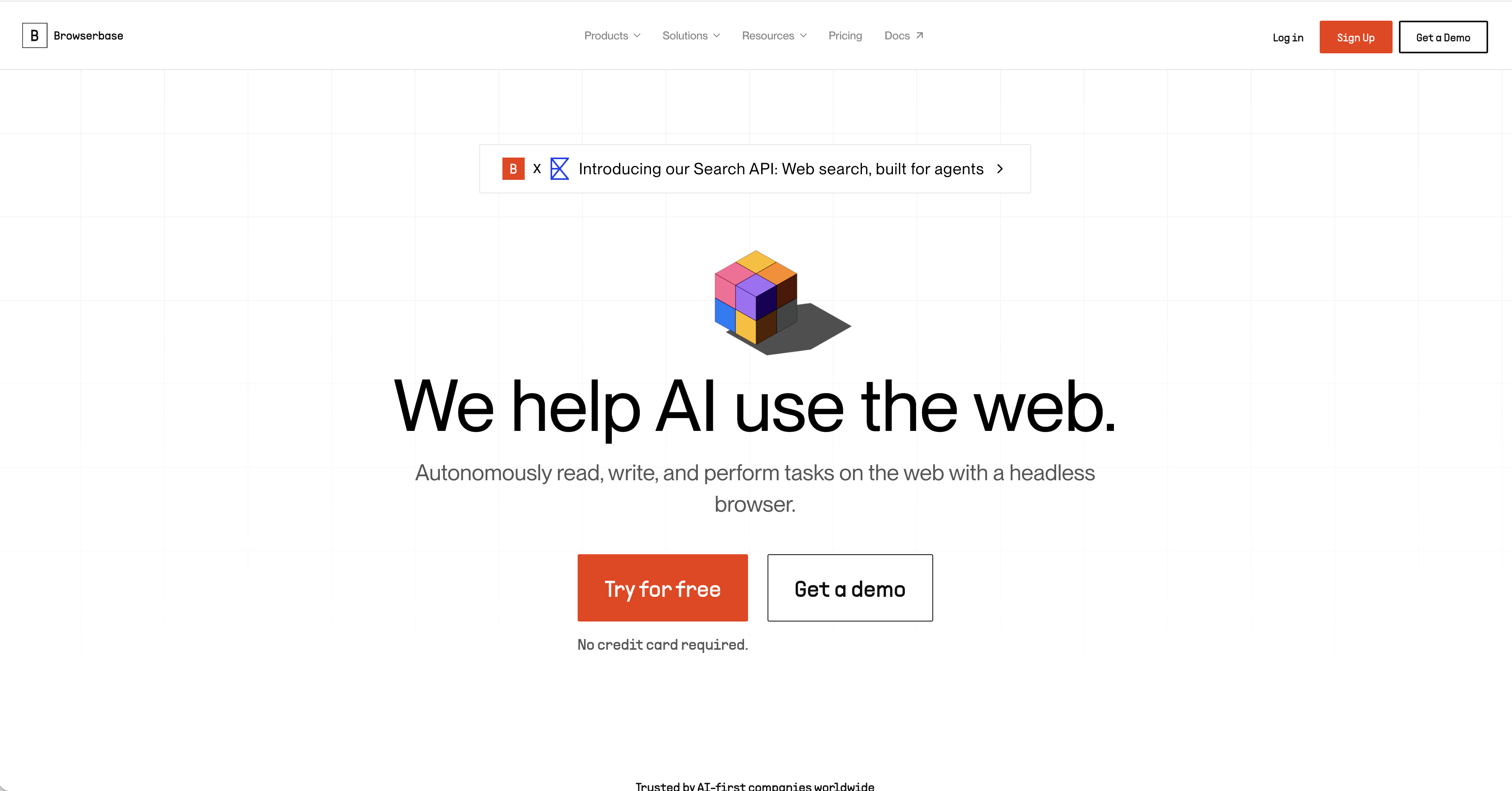
Browserbase is cloud browser infrastructure designed specifically for AI agents. Instead of spinning up a Playwright or Selenium session yourself, you let Browserbase manage that infrastructure. Your agent gets a real Chromium browser running in the cloud, with all the lifecycle management handled for you.
It exposes three main primitives that are useful for agents:
- Sessions are full headless browser sessions with a WebSocket connection you can drive with Playwright or Selenium.
- Fetch is lightweight page content retrieval without spinning up a full session.
- Search is web search (powered by Exa) that returns structured URLs your agent can navigate to.
The pattern Browserbase recommends, and the one that makes the most sense in practice, is Search then Fetch then Browse. Find the right URL, grab the content if it's static, and only fire up a full session when you actually need to interact with the page. Your agent picks the right tool for each step, and the starter exposes all three.
Why Not Just Use a Search API?
This is worth addressing directly. Brave Search, Exa, and similar APIs are great and they're the right tool for a lot of scenarios. If your agent needs to find information that's publicly indexed and doesn't change by the second, a search API is cheaper and faster.
But there's a whole class of problems where a search API hits a wall.
JavaScript-rendered content. A lot of modern web apps return a blank page to HTTP clients. The content loads after JavaScript runs. A search index can't see it. A real browser can.
Authenticated sessions. Your agent needs to log in to something like a customer portal, an internal tool, or any site behind a paywall. Search APIs have no concept of auth. Browserbase sessions carry cookies and can persist auth state across requests using Contexts.
Multi-step workflows. Search gives you a URL. Browserbase lets you click, scroll, fill out forms, and wait for dynamic content. If your agent needs to interact with a page rather than just read it, you need a browser.
Live state verification. Prices change. Job listings disappear. Availability fluctuates. A search index tells you what a page said when it was crawled. A browser tells you what it says right now.
For most agents, the practical answer is that you want both. Search for discovery, Fetch for quick content retrieval, and Sessions when you need real interaction. The starter gives you all three.
Getting Started
The starter requires Java 25 and Spring Boot 4.x.
1. Add the dependency
<dependency>
    <groupId>dev.danvega</groupId>
    <artifactId>browserbase-spring-boot-starter</artifactId>
    <version>0.1.0-SNAPSHOT</version>
</dependency>
2. Set your API key
Grab an API key from browserbase.com/settings and add it to application.yaml:
browserbase:
  api-key: ${BROWSERBASE_API_KEY}
That's the only required configuration. The starter auto-configures a Browserbase bean when it finds the key.
3. Inject and use
@Service
public class ResearchService {

    private final Browserbase browserbase;

    public ResearchService(Browserbase browserbase) {
        this.browserbase = browserbase;
    }

    public List<SearchWebResponse.Result> search(String query) {
        return browserbase.search().web(query).results();
    }

    public String fetchPage(String url) {
        return browserbase.fetchAPI().create(url).content();
    }
}
Constructor injection, the Spring way. No boilerplate client setup, no manual HTTP configuration.
A Real Example: Deep Research
The best way to understand what the starter enables is to look at a real project. I built deepresearch, a Spring AI research agent that takes a topic and produces a structured report with an executive summary, key findings, themes, and open questions.
The whole thing runs on just two Browserbase APIs: Search and Fetch. No full browser sessions needed for this use case, which is the point. The starter lets your agent use exactly the right level of infrastructure for the job.
curl "http://localhost:8080/api/research?topic=state+of+browser+based+AI+agents"
Returns something like:
{
  "topic": "state of browser-based AI agents",
  "executiveSummary": "...",
  "keyFindings": ["...", "..."],
  "themes": ["...", "..."],
  "openQuestions": ["...", "..."],
  "sources": [
    { "url": "https://...", "title": "..." }
  ],
  "diagnostics": {
    "queriesGenerated": 5,
    "urlsDiscovered": 47,
    "urlsFetched": 28,
    "sourcesUsed": 28,
    "durationMs": 45000
  }
}
How the pipeline works
The agent runs in three stages.
1. Discover. A Spring AI ChatClient call asks the LLM to generate five diverse search queries for the topic. Each query runs through browserbase.search().web(query, numResults), and URLs are deduplicated across all five result sets.
2. Fetch. Pages are fetched in parallel using virtual threads. A Spring Framework 7 @ConcurrencyLimit annotation throttles requests to avoid hitting rate limits (one of my favorite new features in the Spring Boot 4 stack). Each page comes back as Markdown, which is clean and token-efficient for the LLM to process.
3. Synthesize. Sources are analyzed in chunks by the LLM, then compiled into a final structured report using Spring AI's structured output support.
The configuration is minimal:
spring:
  threads:
    virtual:
      enabled: true
  ai:
    openai:
      api-key: ${OPENAI_API_KEY}

browserbase:
  api-key: ${BROWSERBASE_API_KEY}
Virtual threads handle the parallel fetching without any extra code. Flip the flag and all blocking HTTP calls park the virtual thread instead of blocking a platform thread. The @ConcurrencyLimit annotation then gives you control over how many requests run at once.
What the Starter Provides
The Browserbase client exposes six resource groups that mirror the official Node.js and Python SDKs. If you've used either, the API will feel familiar.
browserbase.sessions()     // Browser sessions
browserbase.contexts()     // Reusable browser contexts (persist auth state)
browserbase.extensions()   // Chrome extensions
browserbase.fetchAPI()     // Lightweight page content fetching
browserbase.projects()     // Project management and usage metrics
browserbase.search()       // Web search
Search
Query the web and get back structured results:
// Simple search
var results = browserbase.search().web("spring boot tutorials").results();

// With a result count
var results = browserbase.search().web("spring boot tutorials", 10).results();
Fetch
When you have a URL and want page content without spinning up a full browser session, Fetch is the right tool. It returns Markdown by default, which is clean and easy for an LLM to read:
var page = browserbase.fetchAPI().create("https://docs.spring.io/spring-boot/index.html");

System.out.println(page.content());     // Markdown content
System.out.println(page.statusCode());  // HTTP status
This is much cheaper than a full session when you just need to read a static page.
Sessions
Full headless browser sessions for the hard cases. Use these for JavaScript-rendered content, auth flows, and dynamic interactions:
var session = browserbase.sessions().create(
    SessionCreateParams.builder()
        .projectId("your-project-id")
        .keepAlive(true)
        .browserSettings(BrowserSettings.builder()
            .blockAds(true)
            .solveCaptchas(true)
            .viewport(1920, 1080)
            .build())
        .build()
);

System.out.println(session.connectUrl());        // WebSocket URL for Playwright
System.out.println(session.seleniumRemoteUrl()); // Or use Selenium
Once you have the connectUrl, you hand it off to Playwright or Selenium to drive the browser. Browserbase manages the infrastructure and you write the automation logic.
Contexts
Contexts let you persist browser state (cookies, local storage, session tokens) across multiple sessions. This is how your agent stays logged in between requests:
// Create a context once
var ctx = browserbase.contexts().create();

// Reuse it across sessions so auth state carries over
var session = browserbase.sessions().create(
    SessionCreateParams.builder()
        .browserSettings(BrowserSettings.builder()
            .context(ctx.id(), true)  // persist = true saves state back
            .build())
        .build()
);
Your agent logs in once, and the next session picks up right where the last one left off.
What's Under the Hood
A few implementation details worth knowing.
Auto-configuration with @ConditionalOnMissingBean. Every bean is registered conditionally, so you can override any piece of the stack. Want to swap in a custom SearchResource? Just declare your own bean and the starter backs off.
Spring's RestClient for HTTP. No custom HTTP client, no third-party transport dependencies. When you enable virtual threads, all blocking calls park the virtual thread automatically with no code changes needed.
RetryTemplate for resilience. Transient failures (rate limits, network errors, 5xx responses) are automatically retried with exponential backoff (1s, 2s, 4s). The max retry count is configurable via browserbase.max-retries (default: 2).
A typed exception hierarchy. Every API error maps to a specific exception that extends BrowserbaseException, so you can catch exactly what you need:
try {
    browserbase.search().web("query");
} catch (RateLimitException e) {
    // All retries exhausted
} catch (AuthenticationException e) {
    // Check your API key, this one is not retried
} catch (BrowserbaseException e) {
    // Catch-all for anything else
}
Java 25 throughout. Records for response models, sealed interfaces for proxy configuration types, and pattern matching where it makes sense.
Configuration Reference
browserbase:
  # Required
  api-key: ${BROWSERBASE_API_KEY}

  # Optional (defaults shown)
  base-url: https://api.browserbase.com
  max-retries: 2
  timeout: 60s
All properties support Spring Boot's relaxed binding, so api-key, apiKey, and BROWSERBASE_API_KEY all work.
Try it out
AI agents need to browse the web. Not just search it, but actually navigate it, interact with it, handle auth, and wait for JavaScript. That's a different problem than a search API solves, and it comes up fast once your agents start doing real work.
The Browserbase Spring Boot Starter makes it easy to add that capability to any Spring AI project. The deepresearch project is the fastest way to see it in action. Clone it, set your API keys, hit /api/research?topic=anything, and watch the agent work.
- Starter: github.com/danvega/browserbase-spring-boot-starter
- Demo project: github.com/danvega/deepresearch
Related Articles
I Built My Own Content OS With Claude Code
How I built Content OS with Claude Code and Spring Boot to manage videos, blog posts, and newsletters, and what changes when you build software for one user.
Spring AI: Build Real Guardrails that hold
Learn how to build Spring AI guardrails with SafeGuardAdvisor, custom PII masking, and output rails to stop prompt injection and data leaks.
Spring AI 2.0 Tool Calling: Build a Live Claude-Style UI
Build a Claude-style 'Calling tool...' UI with Spring AI 2.0's ToolCallingAdvisor. Stream live tool call events over SSE from the ChatClient advisor chain.
subscribe.sh
$ subscribe --list weeklyish
Enjoyed this post? Get the next one.
Java, Spring, and what I'm learning — one email, weekly(ish). Unsubscribe anytime.