
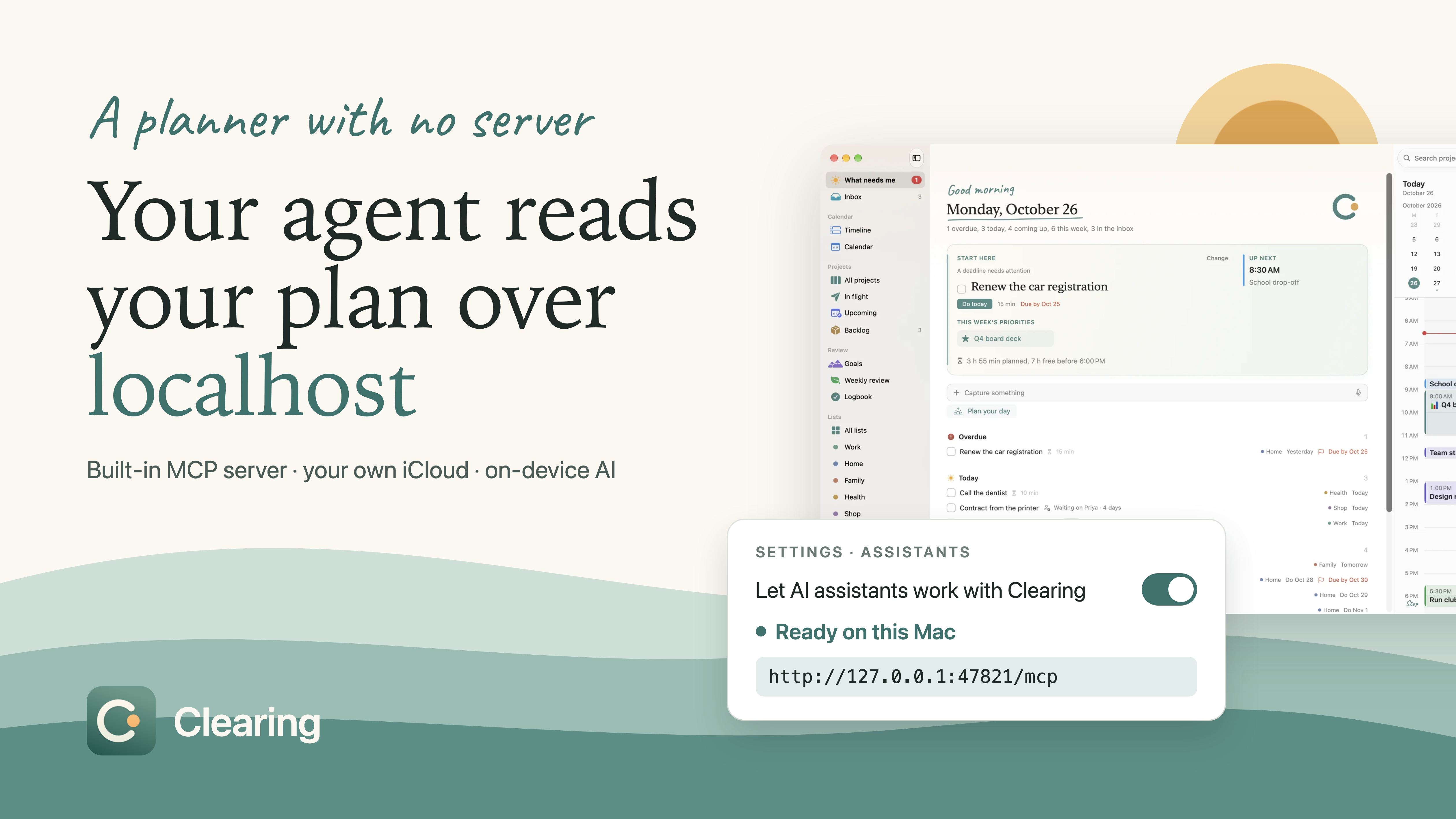
TL;DR: I built Clearing, a day planner for the Mac and iPhone, with the help of coding agents. It runs an MCP server inside the Mac app, so your AI agent can read and update your plan. It syncs through your own iCloud and finds tasks in a brain dump with Apple's on-device model. There's no account and no server of mine.
What a time to be a builder. Everyone seems to be complaining about coding agents right now. But the app in this post is something I never would have had the time to build before them.
It didn't come for free, though. I'm not an iOS expert. So I invested a lot in gates and verification steps that catch the mistakes I wouldn't know to look for.
What Is Clearing?
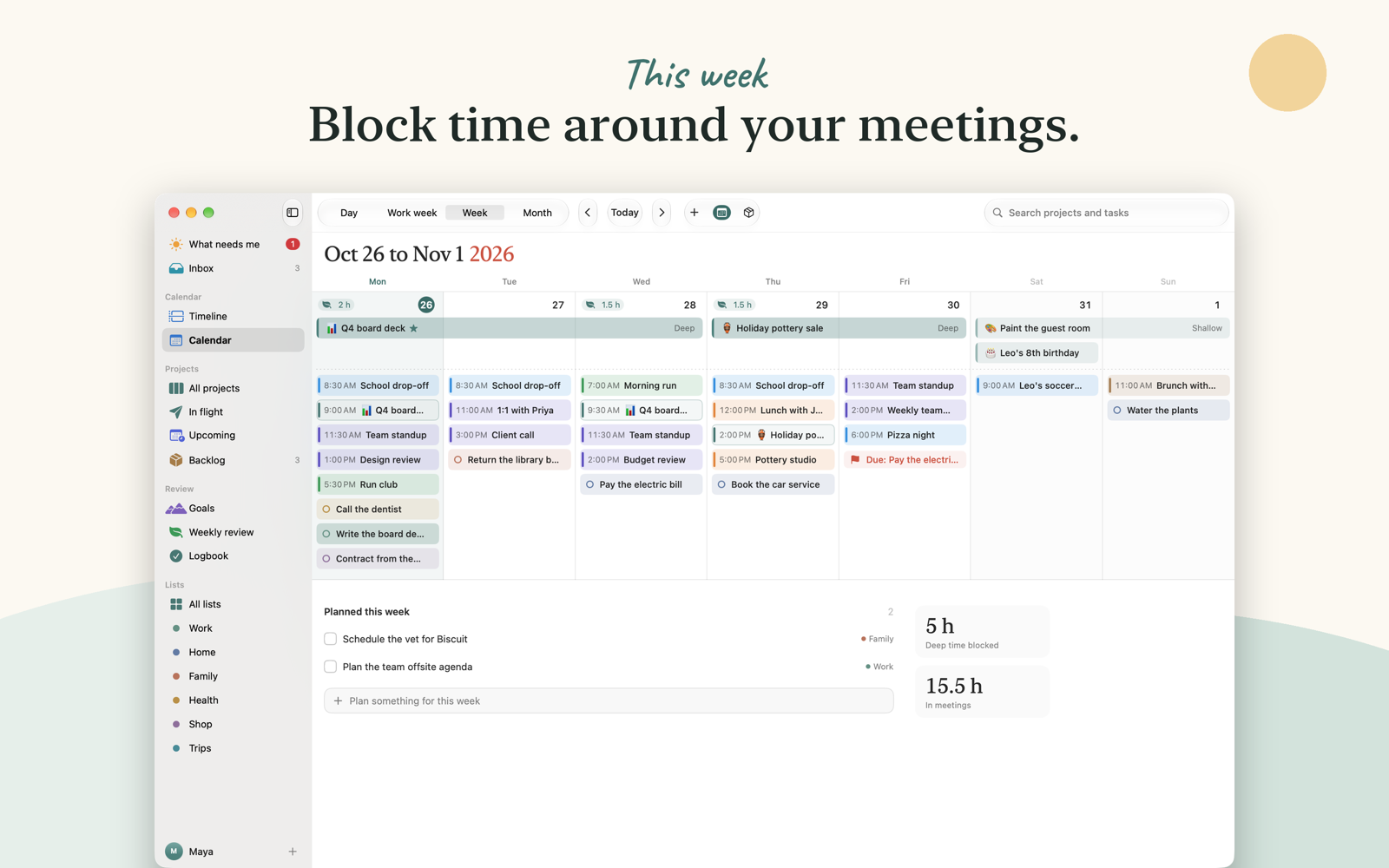
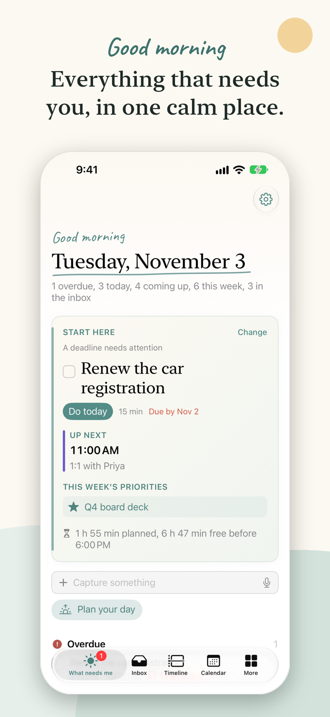
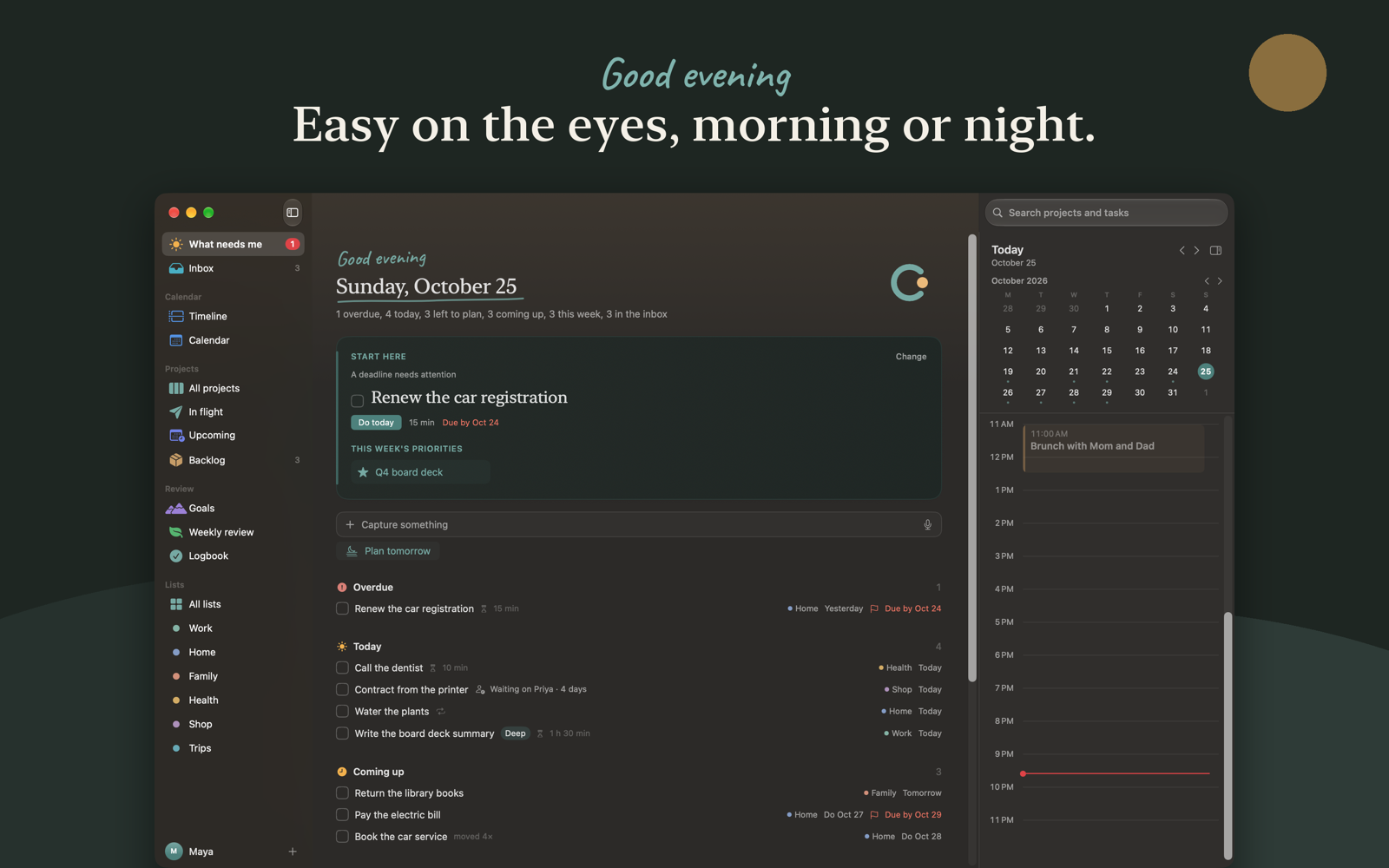
Clearing is a calm day planner for the Mac and iPhone. I built it because I had stitched together a task app, a calendar, a notes app and a weekly review doc for years, and things still slipped through the cracks. A to-do list tells you what. Clearing tells you when.
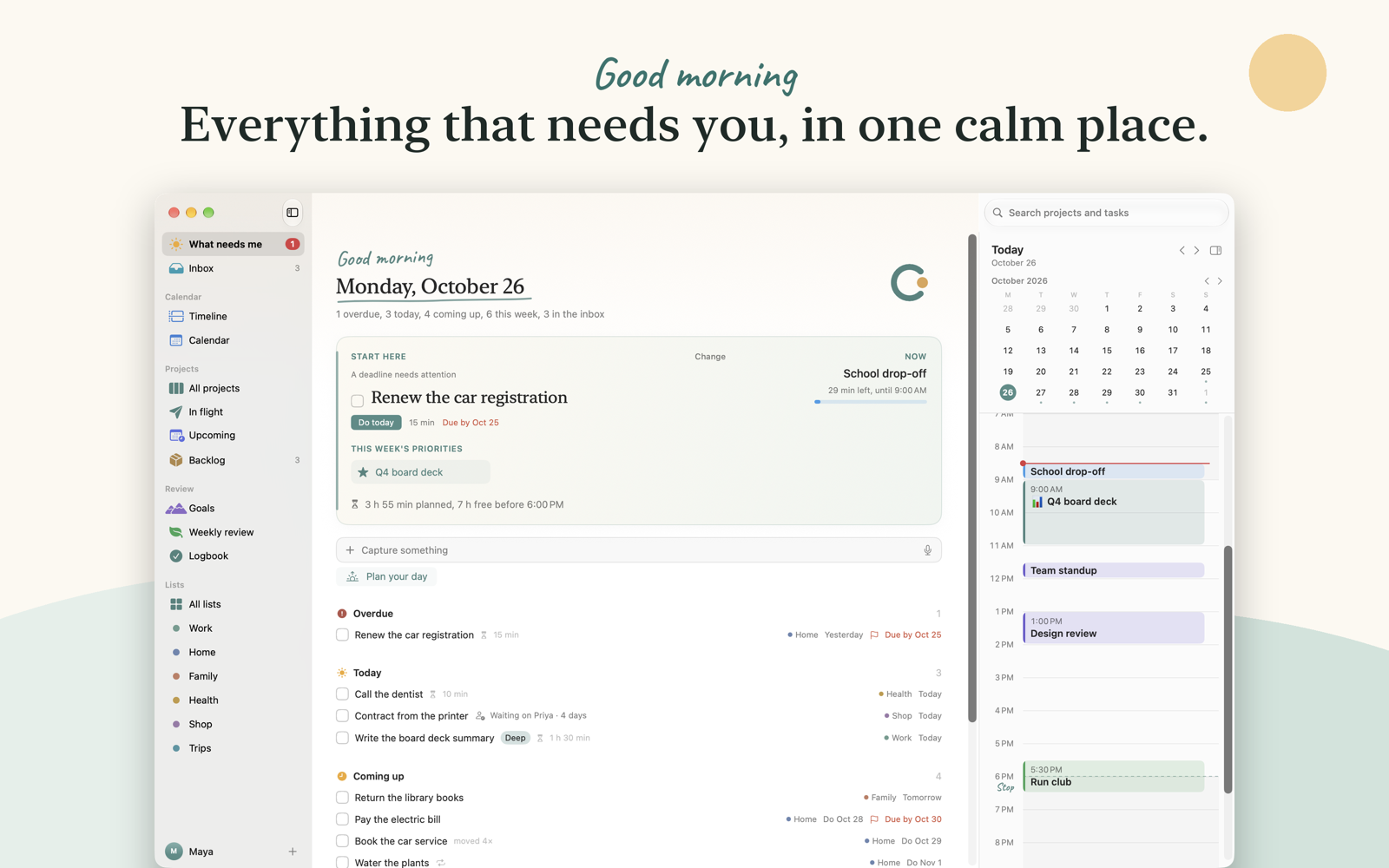
It also lets your AI agent read your plan without your plans ever touching a server. No account, no cloud database of mine, no API key to paste into a web form. Just an app on your Mac that your agent can talk to.
In this post I'll walk through three technical choices behind it: a Model Context Protocol (MCP) server that runs inside the Mac app, sync that goes through your own iCloud, and a brain dump feature that runs on Apple's on-device model. I'll also tell you where each choice falls short, because none of them is free.
No Server of Mine
Most productivity apps start with an account. Your data goes to the developer's servers, and the app is a window onto it. That's a fine design, but it means somebody else stores your plans, and somebody has to keep paying for those servers. That's usually how you end up with a subscription.
I wanted the opposite. Clearing has no account and no backend. Your plans live in a database on your Mac. If you use the iPhone app too, the two sync through your own private iCloud database, which I can't read. You pay once on the App Store. There's nothing for me to run, so there's nothing to charge you for every month.
That one decision shaped everything else. An AI integration can't call my API, because there isn't one. Sync can't go through my server, because there isn't one. So each feature had to find another way.
An MCP Server Inside a Mac App
Last week I put out a video called Every App Should Have an MCP Server. In it I showed how to add one to an app with Spring AI. Clearing is me taking my own advice, just in Swift instead of Java.
MCP is the open standard AI apps use to connect to tools. Most MCP servers you've seen are separate processes. You install a package, your AI app starts it, and it talks over standard input and output.
Clearing does it differently. The server lives inside the app itself. When you turn it on in Settings, Clearing starts listening on http://127.0.0.1:47821/mcp, and any MCP app on the same Mac can connect: Claude Desktop, Claude Code, Cursor, VS Code.
Here's the part that keeps it local. The listener is bound to the loopback address, so nothing on your network can reach it:
let parameters = NWParameters.tcp
// Only this Mac can connect. Nothing on the network can reach it.
parameters.requiredLocalEndpoint = NWEndpoint.hostPort(host: .ipv4(.loopback), port: NWEndpoint.Port(rawValue: Self.port)!)
parameters.allowLocalEndpointReuse = true
let listener = try NWListener(using: parameters)
Binding to 127.0.0.1 isn't enough on its own, though. A web page in your browser can also send requests to 127.0.0.1. A sneakier page can point its own domain name at your machine, a trick called DNS rebinding. So every request goes through a check before the server does anything:
public static func allowed(_ request: HTTPMessage, token: String, port: UInt16 = 47821) -> Int? {
    guard request.path.split(separator: "?").first == "/mcp" else { return 404 }
    guard let host = request.headers["host"] else { return 400 }
    guard isThisMac(host, port: port) else { return 403 }
    if let origin = request.headers["origin"], !isLocalOrigin(origin) { return 403 }
    guard !token.isEmpty, let sent = request.headers["authorization"], sameText(sent, "Bearer \(token)") else { return 401 }
    guard request.method == "POST" else { return 405 }
    return nil
}
The Host check stops the rebinding trick. The Origin check stops other web pages. The bearer token stops everything else. You copy the token from Clearing's Settings and paste it into your AI app once. For Claude Code, Settings hands you the whole command:
claude mcp add --transport http --scope user clearing http://127.0.0.1:47821/mcp --header "Authorization: Bearer <your-token>"
What an agent can do
The server offers fourteen tools. Some read: what_needs_me, get_day, list_projects, search, list_areas and list_done. Others write: add_to_inbox, create_project, add_to_project, add_event, block_time, move_block, plan_task and complete_task. There are also ready-made prompts, like Plan My Day, Weekly Review and Shut Down.
There's no delete tool. That's on purpose. An agent can suggest a task it spotted in your email, but it can't clean out your plan because it misread something. Anything an agent adds is marked, so you can see where it came from.
Where this falls short
An MCP server inside an app only works while the app is open. Quit Clearing and your agent loses it. For a planner that's fine, since it's usually open anyway. For a tool you only open now and then, a separate server process is the better choice.
It's also Mac only. The iPhone app syncs the same plan, but it doesn't run a server. Your agent lives on your Mac, so that's where the server lives too.
Sync Through Your Own iCloud
The data layer is SwiftData. Turning on CloudKit sync looks like one line:
ModelConfiguration(schema: current, url: url, cloudKitDatabase: cloud)
cloud is either your private iCloud database or .none. I pass it every time, on purpose. SwiftData's default turns sync on whenever the app is allowed to use iCloud. I wanted that to be a decision in the code, not a side effect of an entitlement.
The line is the easy part. Three things took real work.
Two devices make the same thing. Say a repeating task is ticked on both your Mac and your iPhone before they sync. Each device makes the next copy. Now you have two. The same happens when a new device runs the welcome screens and creates lists the other device already has. So Clearing merges twins after a sync. The tricky part is that every device has to keep the same one. If each device kept its own copy and deleted the other's, both copies would disappear. So the rule picks from data that syncs: the earliest createdAt, or the lowest key for a calendar event. When two can't be told apart, both stay.
The production schema is forever. CloudKit has a development environment and a production environment. Once you deploy a schema to production, you can add record types and fields, but you can't delete or rename them. I froze the model before I deployed. If you're adding CloudKit to an app, treat that deploy like a database migration you can never roll back.
Sync has to be optional. Some people aren't signed in to iCloud. Some don't want sync at all. And App Review tests the iPhone app with no Mac. So both apps work fully on their own, and Settings has a Sync tab that tells you what sync is doing: up to date, syncing, offline, or signed out.
A Brain Dump That Stays on Your Device
Brain Dump is the feature I use to empty my head. You press the mic and talk through everything on your mind, as messy as you like. Clearing turns it into tasks, each with a day and a list. You pick the ones to keep.
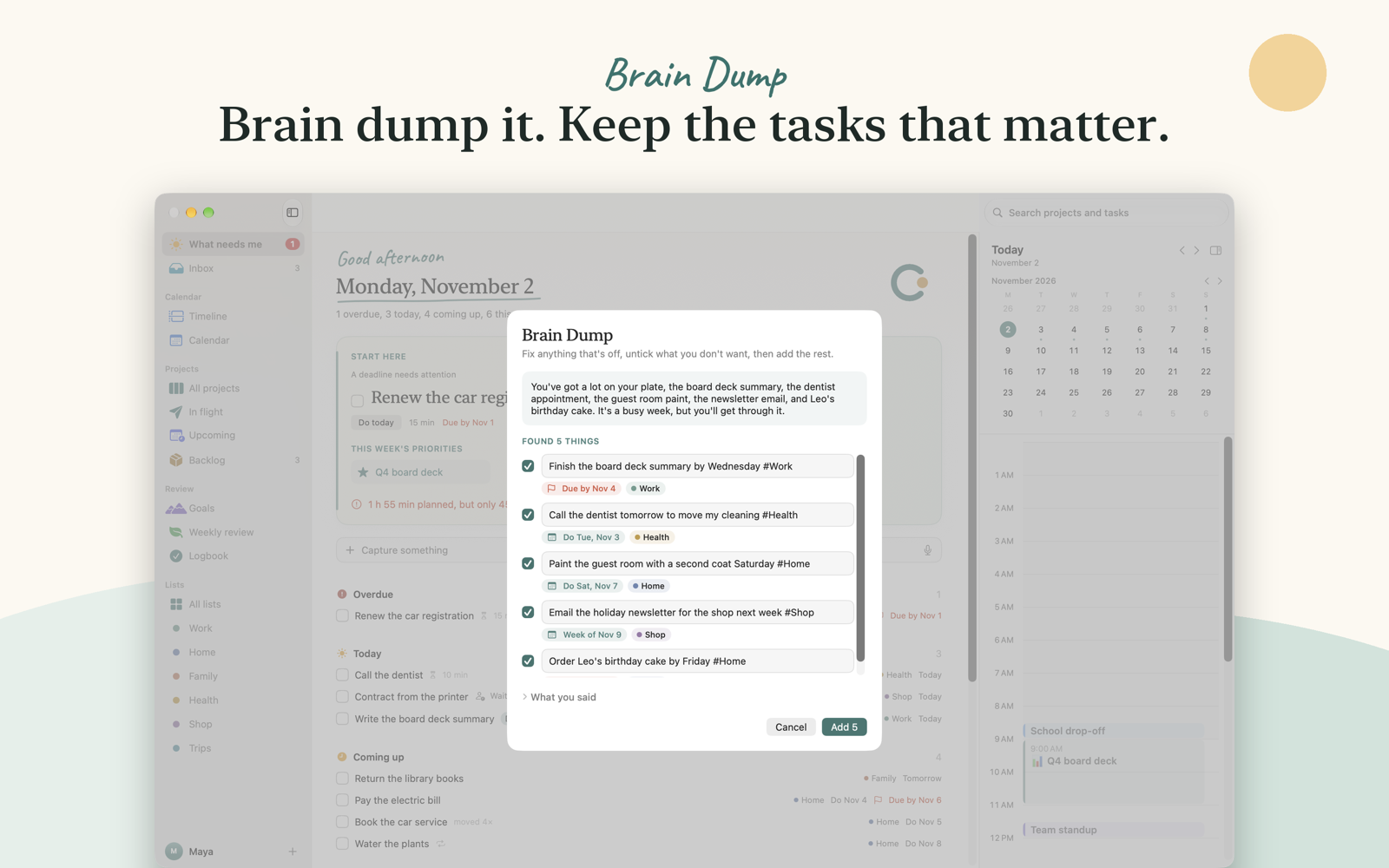
None of that leaves your device. Apple's SpeechAnalyzer does the transcription. Then the Foundation Models framework, Apple's on-device language model, finds the tasks. The nice part of Foundation Models is guided generation. You describe the shape you want as a Swift type, and the model fills it in:
@Generable
struct Idea {
    @Guide(description: "The subject as one short action that says what it's about, like 'Fix the kitchen sink' or 'Plan Sam's birthday party'.")
    var task: String
    @Guide(description: "Exactly their words for when they want it done, keeping 'by' or 'due' if they said it. Empty when they didn't say when.")
    var when: String
    @Guide(description: "The other things they said about this subject, one short point for each, close to their words. Empty when they said nothing more.")
    var details: [String]
}
No JSON parsing, no hoping the model follows your format. You get back a Swift value.
One lesson from building it: asking the on-device model for everything in one request found fewer tasks. Splitting it into three short requests worked better. First come the ideas, each with its when and details. Then the lists and a summary run side by side. A small model does better with small jobs.
Where this falls short
Foundation Models needs a device that supports Apple Intelligence, with it turned on. Without it, Brain Dump explains how to turn it on, and the rest of Clearing works as usual. The on-device model is also much smaller than the models your coding agent uses. That's fine for "find the tasks in what I just said." I wouldn't ask it to plan a week.
What You Give Up Without a Server
Going without a backend is a trade, not a free win.
There's no web app. You can't open your plan on a work PC. There's no Android version. Support is harder too, because I can't look at your data to see what went wrong. That's the point, but it does make debugging slower.
For a personal planner, I made that trade on purpose. Your plans say a lot about your life. Clearing keeps them on your devices and lets your own agent reach them over localhost.
Try It
Clearing is out now for both Mac and iPhone on the App Store. It's $19.99 at launch, then $29.99. You pay once and get both apps. There's no subscription. It needs macOS 26 or later on the Mac and iOS 27 or later on the iPhone. You can read more at clearingplanner.com.
If you build MCP servers, try running one inside an app you already ship. The loopback listener and the Host, Origin and token checks are most of the work, and your users get an agent that can reach their data without it ever leaving their machine.
Happy Coding
Related Articles
My CYC 2025 Demo: Why Building MCP Servers in Java Just Got Ridiculously Simple
Learn how Spring AI 1.1.0-M2 makes building MCP servers in Java incredibly simple with just annotations. No callbacks, no complex setup. Includes complete code from my Commit Your Code 2025 conference demo, showing how to expose your Java application's data to Claude and other AI assistants.
Spec-Driven Development for Solo Developers: My Plan
Spec-driven development without the team process. The lightweight plan I use as a solo developer, from one PRODUCT.md to a retro, on a Spring Boot Stripe store.
Claude Code Skills for Podcast Automation
Use Claude Code skills for podcast automation: edit audio, create show notes, prepare a Transistor upload, and open a spring.io PR after the episode is live.
subscribe.sh
$ subscribe --list weeklyish
Enjoyed this post? Get the next one.
Java, Spring, and what I'm learning — one email, weekly(ish). Unsubscribe anytime.